先在 Debian 上安装 Node.js
未安装时,先装 Node.js 14.x 与 npm:
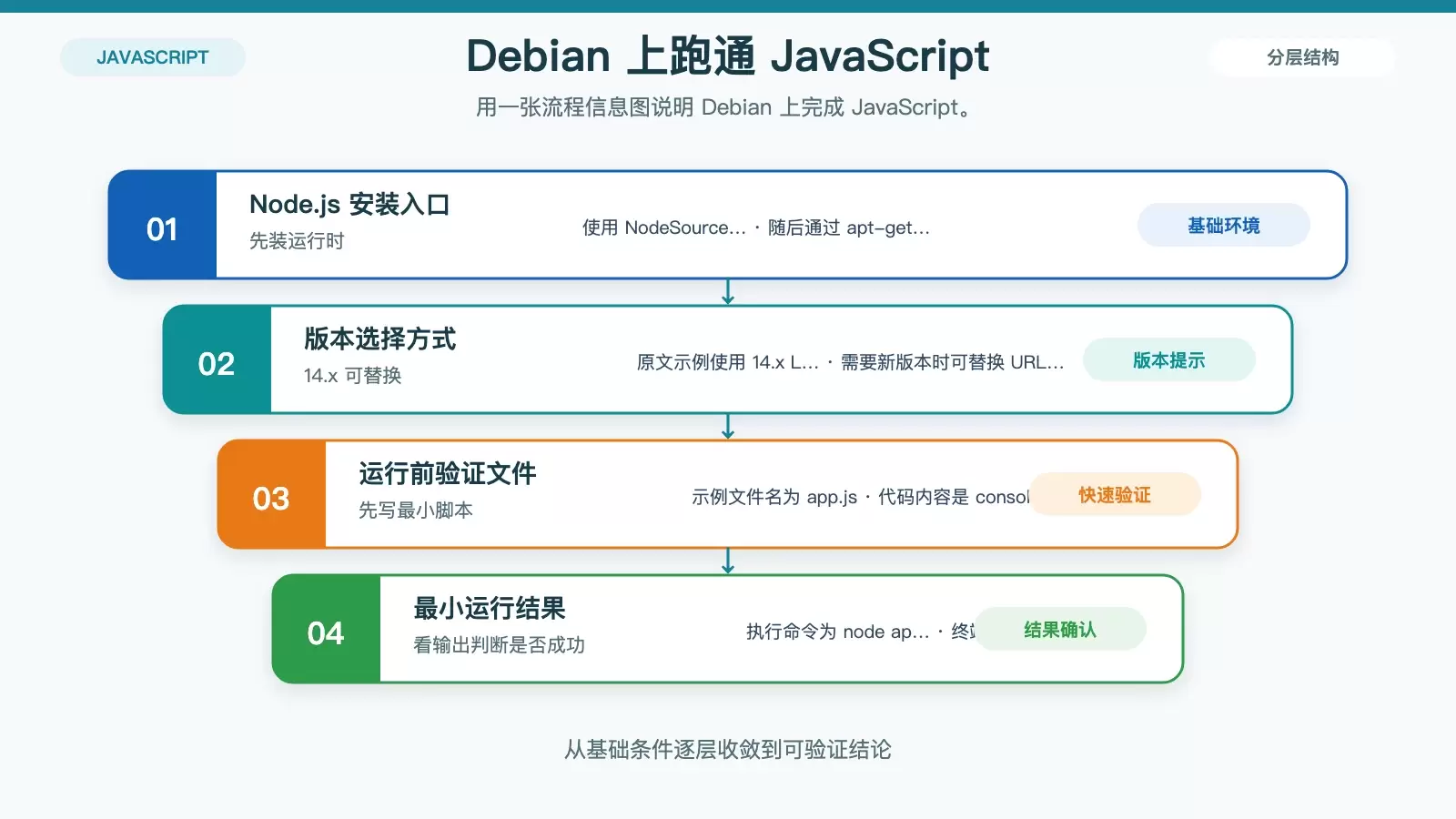
curl -sL https://deb.nodesource.com/setup_14.x | sudo -E bash -
sudo apt-get install -y nodejs
先用最直接的方式运行 JavaScript 文件
新建 app.js:
console.log('Hello, Debian!');执行:
node app.js输出 Hello, Debian! 说明本地运行链路正常。
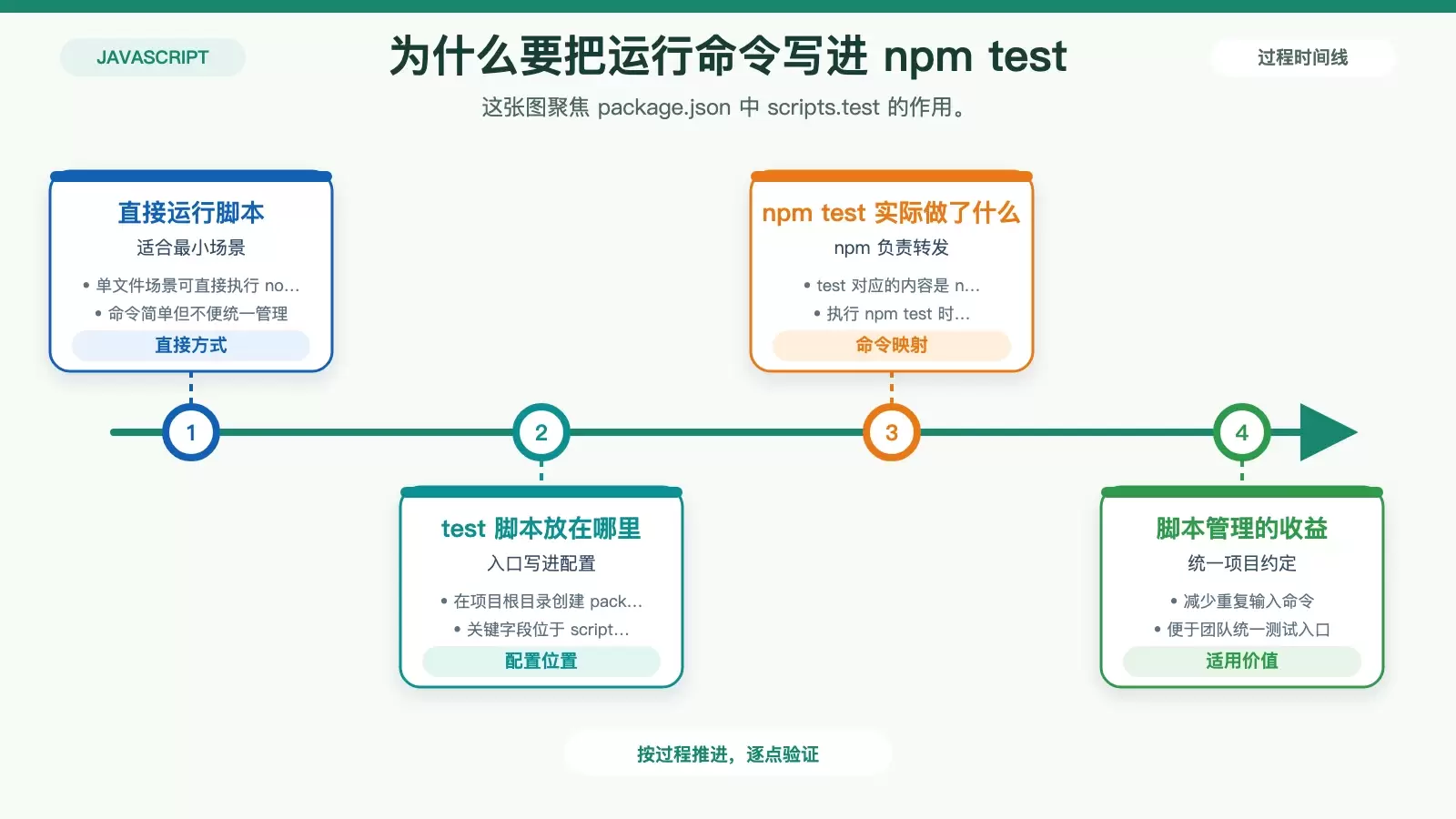
用 npm test 管理常用测试命令
在 package.json 中保留统一入口:
{
  "name": "your-project-name",
  "version": "1.0.0",
  "description": "",
  "main": "app.js",
  "scripts": {
    "test": "node app.js"
  },
  "keywords": [],
  "author": "",
  "license": "ISC"
}
运行:
npm test遇到问题时,优先用 --inspect 接入调试
node --inspect app.js终端会给出类似 ws://127.0.0.1:9229/... 的地址。在 Chrome 打开 chrome://inspect,点击“inspect”即可断点调试、看变量、单步执行。

命令行调试和附加工具什么时候用
命令行调试:
node debug app.js附加工具安装:
sudo apt-get install -y chrome-remote-interface node-inspector多数新版 Node.js 已内置 --inspect,通常无需补装。
Debian 下测试 JavaScript 的最小闭环
步骤就是:安装 Node.js,先用 node app.js 验证能跑,再用 npm test 固定入口;排查 bug 时用 node --inspect app.js 配合 chrome://inspect。


