vivo手机取消听筒模式的具体步骤
时间:2026-02-03 | 作者: | 阅读:0vivo手机取消听筒模式的具体步骤

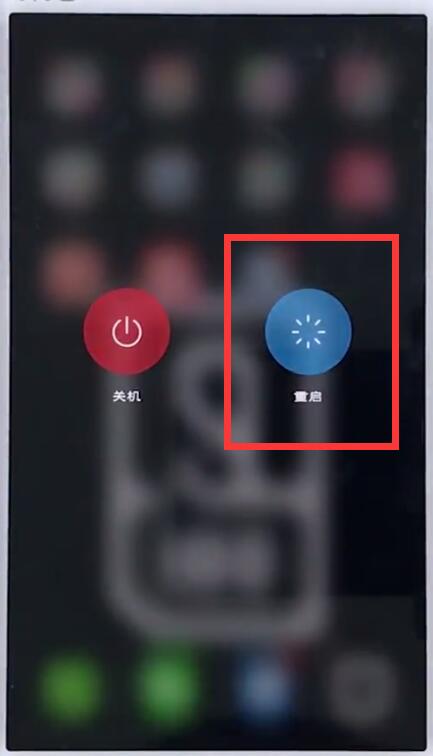
方法一、长按电源键,
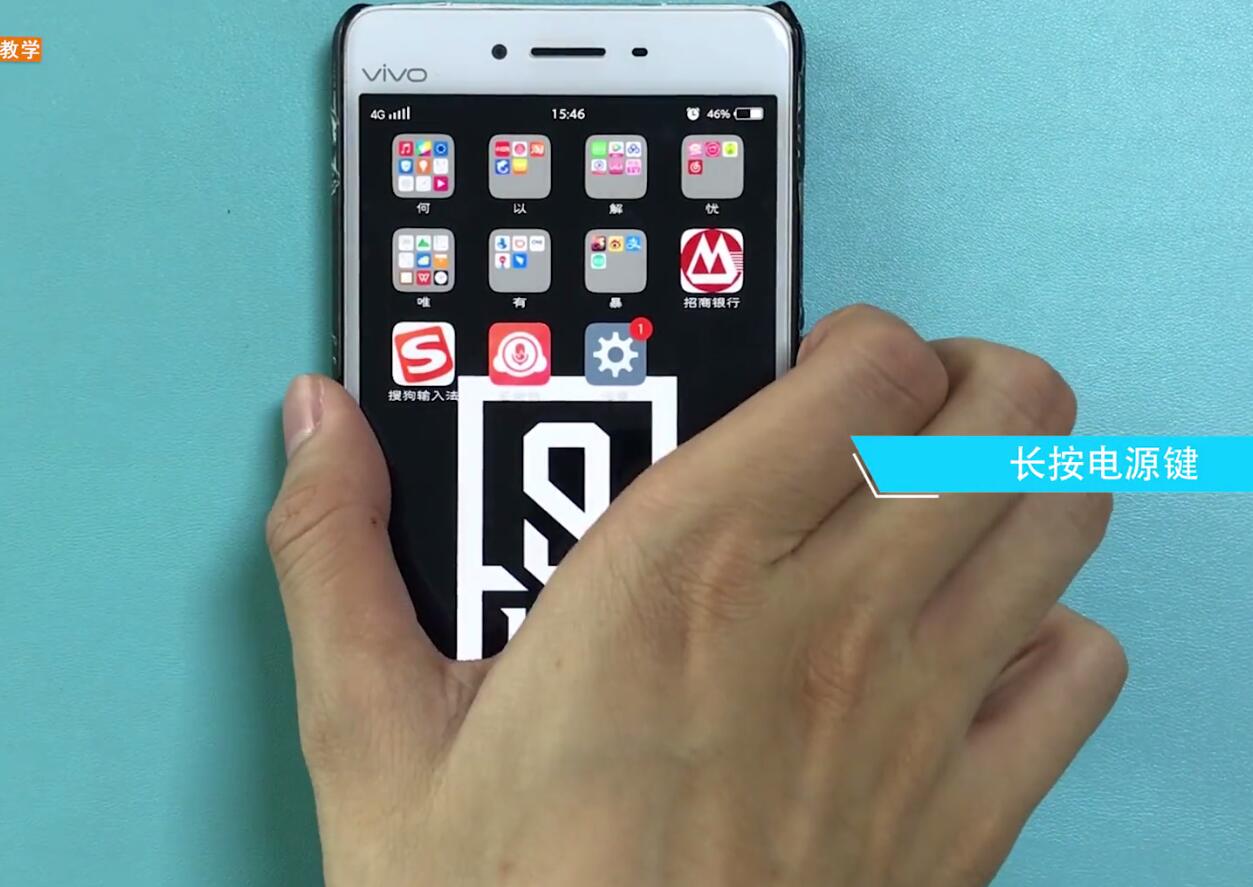
再点击重启,来退出听筒模式。
方法二、
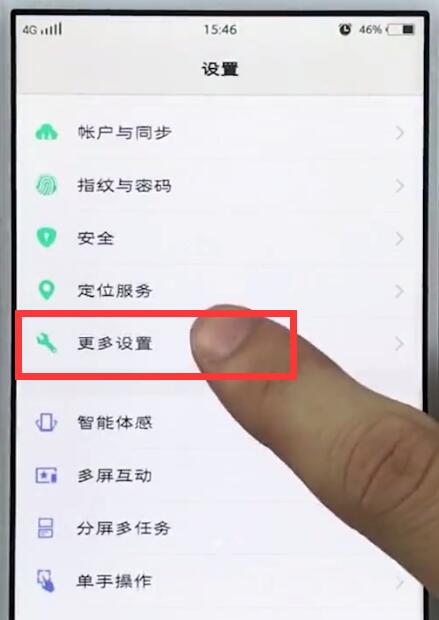
1、点击【设置】,

2、点击【更多设置】,
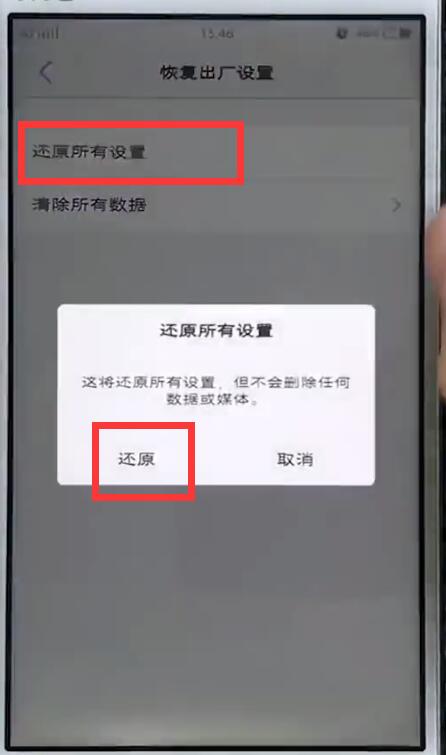
3、点击【恢复出厂设置】,

4、最后点击【还原所有设置】-【还原】即可。

来源:https://www.downza.cn/xy/75416.html
免责声明:文中图文均来自网络,如有侵权请联系删除,心愿游戏发布此文仅为传递信息,不代表心愿游戏认同其观点或证实其描述。
相关文章
更多-
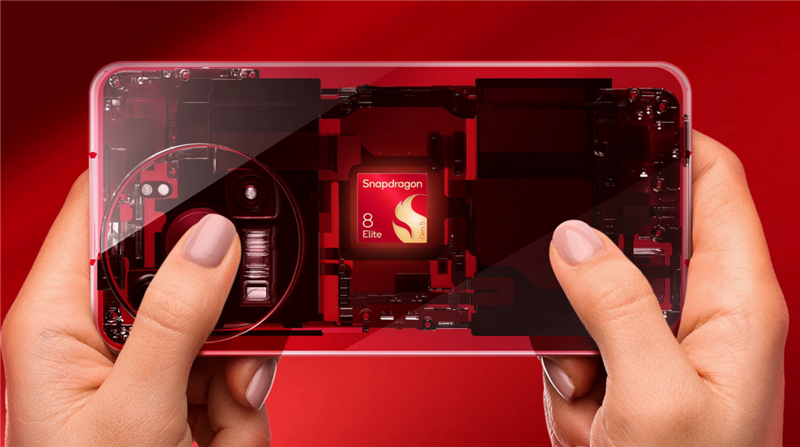
- 14-400mm终极全焦段!vivo X300 Ultra手机全面评测:依然是年度影像机皇
- 时间:2026-04-03
-
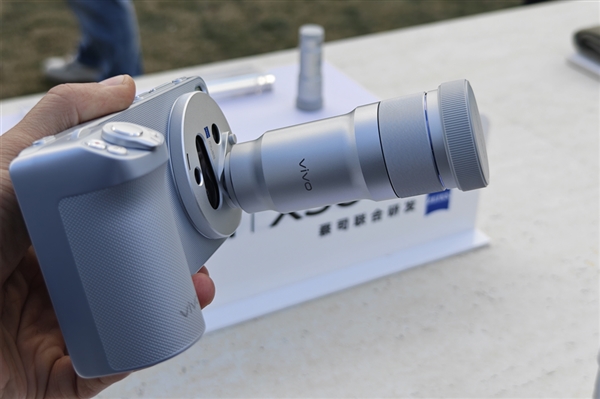
- 蓝厂最强影像旗舰!vivo X300 Ultra明天首销:6999元起
- 时间:2026-04-02
-

- 蓝厂最强影像旗舰来了!vivo X300 Ultra发布:6999元起
- 时间:2026-03-31
-

- 口袋中的专业V单!一图读懂vivo X300 Ultra:6999元起
- 时间:2026-03-31
-
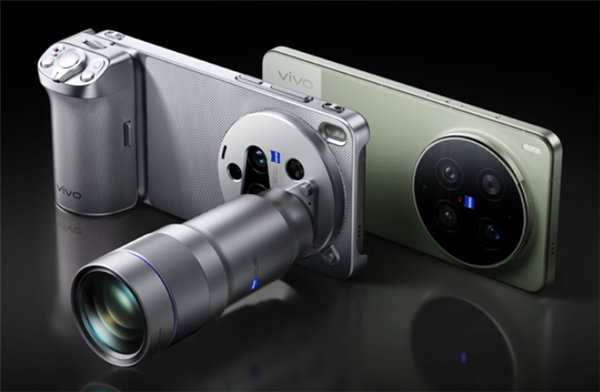
- 顶配Ultra旗舰!vivo X300 Ultra配置公布:骁龙8E5+2K/144Hz直屏、8.19mm机身
- 时间:2026-03-26
-

- 机圈专业V单来了!vivo X300 Ultra首发索尼LYTIA-901 三大黄金焦段
- 时间:2026-03-23
-

- vivo X300 Ultra/X300s官宣定档:3月30日发布
- 时间:2026-03-19
-

- 行业最强!vivo X300 Ultra视频能力揭晓:全焦段4K 120fps 10bit Log+专业模式
- 时间:2026-03-16
精选合集
更多大家都在玩



大家都在看
更多-

- 搞笑的网名女生极简冷酷(精选100个)
- 时间:2026-04-07
-
- 高德地图怎么查看未来天气-高德地图如何查看未来天气情况
- 时间:2026-04-07
-
- 曼哈顿音响怎么设置WiFi连接?
- 时间:2026-04-07
-

- 逆水寒庄园设计布局指南 打造独一无二的庄园空间
- 时间:2026-04-07
-
- 幻想少女公会恶意破韧冰邪神玩法搭配
- 时间:2026-04-07
-

- 浩取名网名搞笑女生名字(精选100个)
- 时间:2026-04-07
-
- 网络热词认真你就输了是什么意思
- 时间:2026-04-07
-

- openclaw小龙虾AI养成指南如何做
- 时间:2026-04-07