在Linux上使用Rust进行异步编程
在Linux环境下,利用Rust语言进行高效的异步编程,核心依赖于async-std与tokio这两个关键库。掌握它们的使用方法是提升程序性能的关键。以下是基于这两个库进行异步开发的基本操作指南:
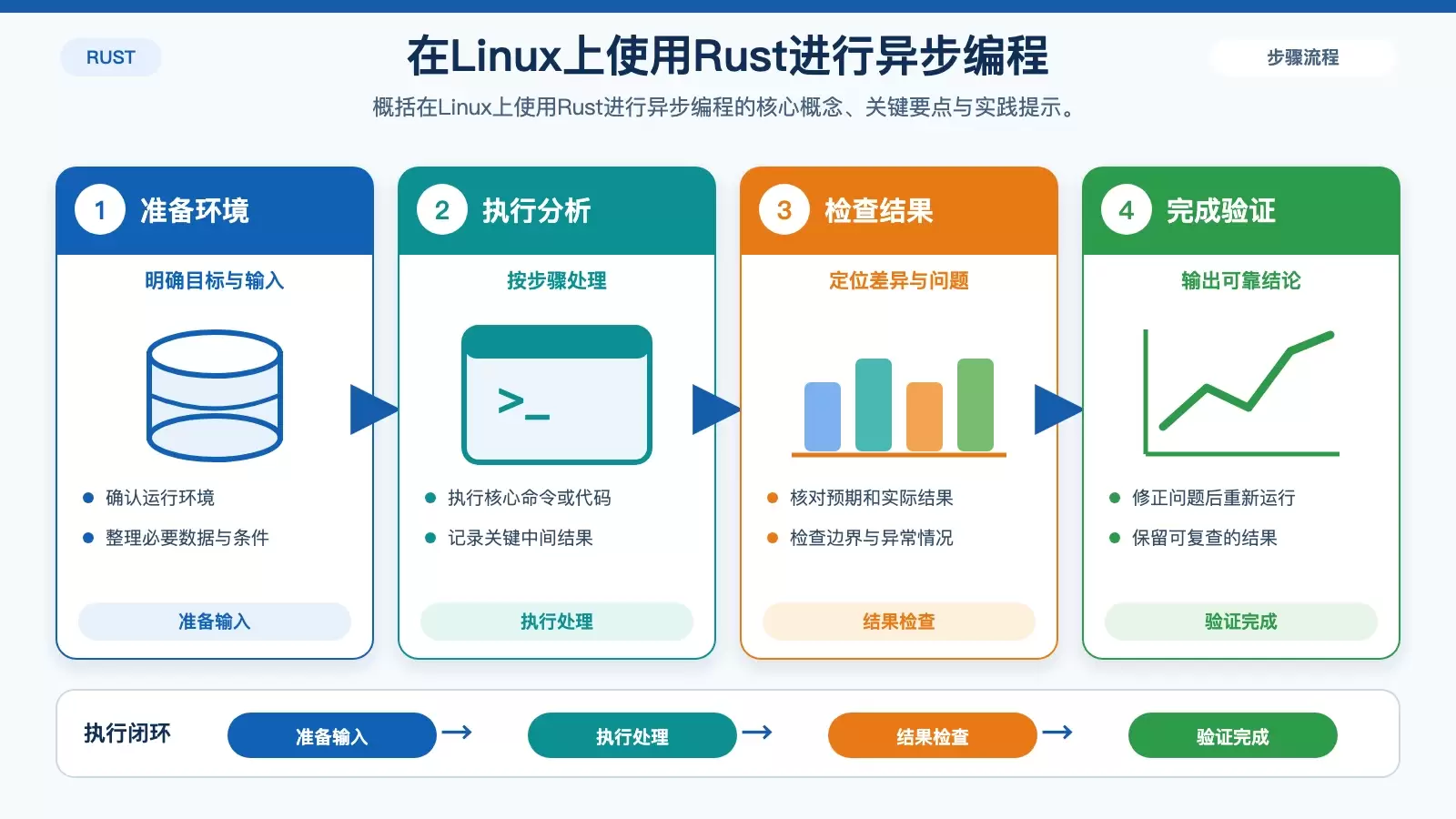
使用 async-std
添加依赖:首先,需要在你的
Cargo.toml配置文件中引入async-std作为项目依赖项。
使用 async-std概括使用 async-std的核心概念、关键要点与实践提示。 [dependencies]async-std = "1.12.0"编写异步代码:利用
async-std库提供的丰富异步函数及宏,构建你的异步逻辑。use async_std::task;async fn hello_world() {println!("Hello, world!");}fn main() {task::block_on(hello_world());}运行代码:最后,通过执行
cargo run命令来编译并运行你的异步程序,验证功能是否正常。
使用 tokio
添加依赖:同样地,在
Cargo.toml文件中声明tokio为依赖。[dependencies]tokio = { version = "1", features = ["full"] }编写异步代码:借助
tokio提供的异步工具集进行编码。此外,还可以使用tokio::main宏来进一步简化代码结构。use tokio::runtime::Runtime;fn main() {let rt = Runtime::new().unwrap();rt.block_on(async {println!("Hello, world!");});}或者使用
tokio::main宏来简化代码:use tokio::task;#[tokio::main]async fn main() {println!("Hello, world!");}运行代码:使用
cargo run命令来编译并运行你的异步程序。
异步文件操作
使用 async-std
use async_std::fs::File;use async_std::prelude::*;use std::io::Write;async fn write_to_file() -> std::io::Result<()> {let mut file = File::create("foo.txt").await;file.write_all(b"Hello, world!").await;Ok(())}fn main() {task::block_on(write_to_file());}使用 tokio
use tokio::fs::File;use tokio::io::{self, AsyncWriteExt};#[tokio::main]async fn main() -> io::Result<()> {let mut file = File::create("foo.txt").await;file.write_all(b"Hello, world!").await;Ok(())}异步网络操作
使用 async-std
use async_std::net::{TcpListener, TcpStream};use async_std::prelude::*;async fn handle_connection(mut stream: TcpStream) {let mut buffer = [0; 1024];stream.read(&mut buffer).await.unwrap();stream.write_all(b"Hello, world!").await.unwrap();}async fn start_server() -> std::io::Result<()> {let listener = TcpListener::bind("127.0.0.1:8080").await;loop {let (stream, _) = listener.accept().await;task::spawn(handle_connection(stream));}}fn main() {task::block_on(start_server());}使用 tokio
use tokio::net::{TcpListener, TcpStream};use tokio::io::{self, AsyncReadExt, AsyncWriteExt};#[tokio::main]async fn main() -> io::Result<()> {let listener = TcpListener::bind("127.0.0.1:8080").await;loop {let (mut socket, _) = listener.accept().await;tokio::spawn(async move {let mut buffer = [0; 1024];socket.read(&mut buffer).await.unwrap();socket.write_all(b"Hello, world!").await.unwrap();});}}总结
通过以上步骤,你可以在Linux上使用Rust进行异步编程。选择async-std还是tokio取决于你的具体需求和个人偏好。tokio更为流行且功能更强大,而async-std则提供了更接近标准库的API。